If you’re running support operations on Zendesk, you likely know that the platform has been on a tear building out AI features over the last couple of years. Between smarter bots, agent copilot tools, and tighter workflows, the pace has been relentless. The latest tweak, Zendesk turning on AI agent tickets by default for specific Pods and then rolling it out to all accounts, might look minor on the surface. However, this single change represents a watershed moment in how support teams think about automation and visibility.
Let’s break down what’s changed, how we got here, why it matters, and what it means for teams who live in Zendesk every day.
The Backstory: How Zendesk AI Evolved
To understand why this change matters, we have to rewind a bit.
Zendesk didn’t invent AI in support. But over the last few years, they’ve layered in smart features fast. Originally, AI capabilities were limited to things like answer suggestions or deflecting to help center articles. Then Zendesk rolled out generative AI agents that could actually converse with customers across messaging, email, and web form channels. These “AI agents” could provide on-brand responses, reference help center knowledge, and even escalate to humans when needed.
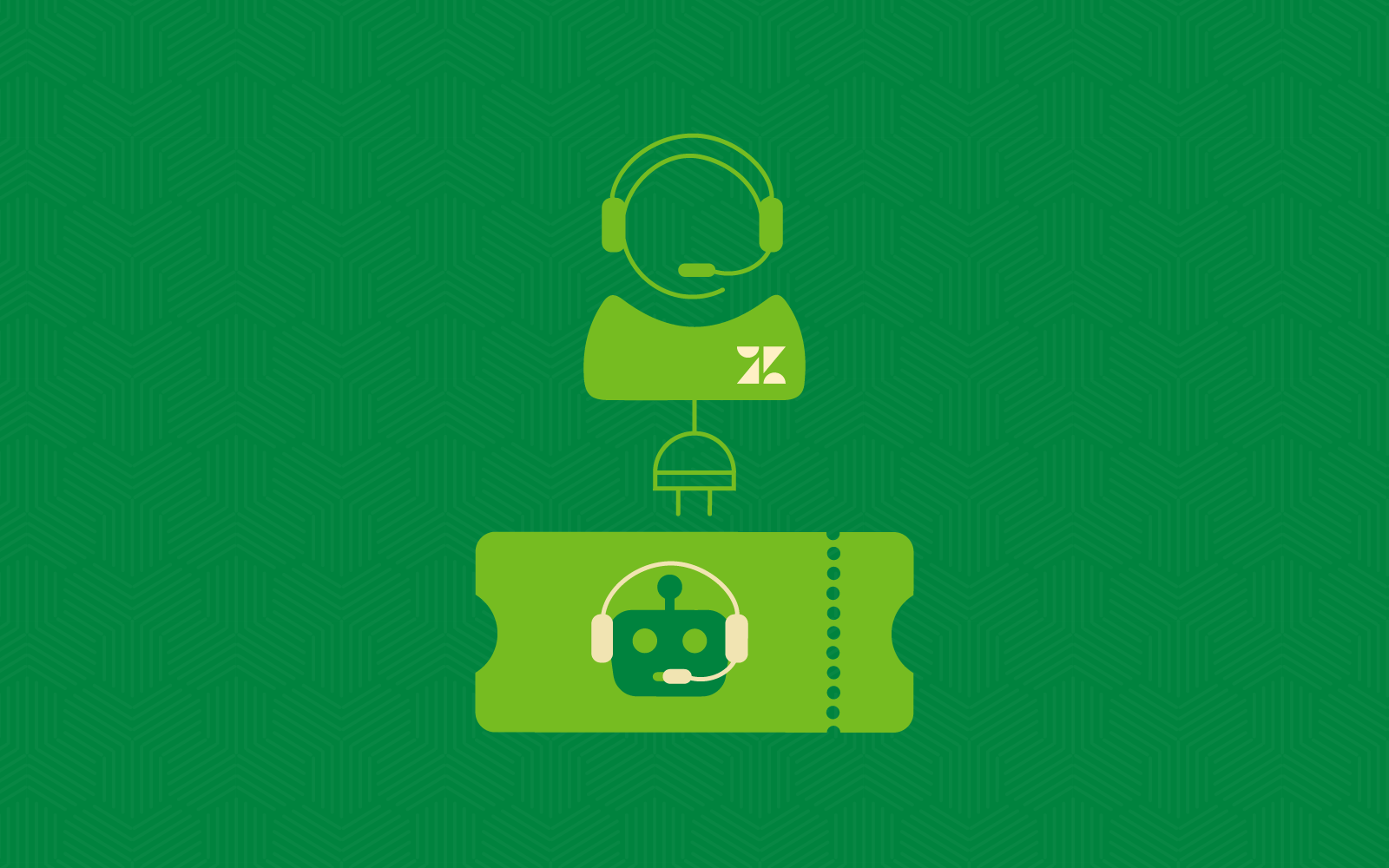
In October 2025, Zendesk introduced the concept of AI Agent tickets. Before this, if an AI bot resolved a conversation end-to-end, there wasn’t a clean, consistent record inside the core ticketing interface. Starting last fall, those AI-only interactions started encroaching on the Support ticketing ecosystem, becoming read-only tickets in both Support and Agent Workspace. That means they appear just like any other ticket, except they don’t trigger workflows or automations by default. Human agents could see them, search them, and treat them like part of a real ticket history.
What’s New Now: Default On Across Pods and Accounts
On January 16, Zendesk announced that for certain regions. Those Pods include 17, 20, 23, 25, 27, and 28, with rollout planned by February 16, 2026. You can confirm your Zendesk account’s Pod by opening Admin Center. Your Pod is displayed at the bottom of Admin Center Home.
You can also visit the Zendesk Status site, where you can enter your subdomain name to find out which pod you are on.
Between now and May 4, 2026, teams on those Pods can still opt out if they want. After May 4, Zendesk will flip the switch for all customers worldwide, without an off toggle, because they want everyone to benefit from having full conversation visibility. Here’s the key takeaway: this isn’t just toggling on a feature. It normalizes AI ticket creation as part of the support record for every account automatically.
Why Zendesk Is Doing This
Zendesk explains this change under one big umbrella: visibility into customer interactions. Their product messaging says they want support teams to see every interaction — human or machine — in a unified timeline.
There are a couple of specific goals baked into that:
- Better analytics and reporting The next step for Zendesk is to knit these AI tickets into Explore and other reporting tools so leaders can see how much of their workload is genuinely automated versus human.
- Clearer context on automated resolutions If AI is solving issues, teams should be able to inspect those interactions later for coaching, quality, or compliance.
Supporting hybrid workflows Today’s support world is messy — sometimes AI solves it, sometimes it does half the work, sometimes it escalates. Having a complete record helps human agents know what already happened before stepping in.
What This Means in Practical Terms
Now that AI agent tickets will be on by default everywhere, let’s talk through the real-world implications.
1. You Have More Data (Good and Bad)
Support leaders love data. With AI interactions showing up as tickets:
- You get trend visibility into what questions AI handles well versus where it struggles.
- You can measure escalation rates more concretely (e.g., “AI solved 35% of cases end-to-end this month”).
- You can analyze transcripts if you want to improve knowledge base content or bot training.
However, that comes with a cost.
These AI tickets count toward your account’s storage usage just like any ticket. If you’re on a plan with storage limits or you’re already worried about ticket bloat, this will matter. Zendesk even suggests using the “Support type” field to target and delete AI agent tickets if you need to manage storage more tightly.
So yes, more visibility brings more record keeping work, but it also empowers smarter reporting.
2. Historical Ticket Volumes Shift
Adding a whole new class of tickets means numbers go up. Even if your humans haven’t changed behavior, your ticket count likely will. That can have downstream effects:
- Views and dashboards based on ticket counts might need adjusting.
- SLA reporting might look different if AI tickets are included by default.
- Storage planning and data retention policies might need a refresh.
The flip side is that context improves. Instead of a blind spot where AI handled something and no record existed, you now see the interaction like any other ticket.
3. Human Agents Have Better Context
Imagine a customer comes in frustrated. They start with an AI agent and then escalate. If that AI interaction isn’t captured in a ticket record, your human agent has to piece it together from memory or logs.
Now, with AI tickets standard, humans can:
- See exactly what the AI said.
- Check messaging steps or knowledge sources used.
- Spot where instructions could improve the bot’s accuracy.
That’s a game changer when it comes to consistency and reducing repeat escalations.
4. Bot Performance Can Be Monitored Like Real Work
One of the biggest nags in automation rollouts is always, “Is the bot doing a good job, or is it just spitting nonsense?” Historically, teams had to hunt through logs or external dashboards to get insight.
With AI agent interactions in Zendesk as tickets, those conversations become first-class data. You can:
- Build custom Explore dashboards around them (future roadmap).
- Train internal reporting on resolution rates and escalation frequencies.
That aligns AI with the same operational KPIs your support team already tracks.
What You Should Do Next
If you’re responsible for a Zendesk instance, don’t wait for the May 4 auto-enable. Here’s a short checklist:
Audit Your Current AI Setup
- What AI agents are live?
- Which channels are they on (email, messaging, forms)?
- Do you have triggers or automations that interact with AI responses?
This baseline matters because once AI tickets are on by default, you’ll start seeing data immediately.
Revisit Views and Reporting
Plan for adjustments:
- Exclude AI tickets from some dashboards if you want human-only metrics.
- Create new views that specifically track AI agent performance.
- Consider hiding AI Agent tickets from legacy views like “All Tickets”
This is a good opportunity to rethink how you define success metrics in the age of automation.
Consider Storage Policies
If your ticket volume is large, set up retention or deletion routines for AI tickets you don’t need long term. Zendesk itself recommends using fields like Support type to target them.
Coach Your Team
Human agents will see these new tickets in views and inboxes. Educate them on:
- What these tickets represent
- How they differ from traditional tickets
- How to interpret AI responses when needed
Clear communication prevents confusion.
Final Thoughts
Turning on AI agent tickets by default feels like a small admin change. Underneath, though, it’s part of a broader shift in how support organizations think about generative AI.
We’re moving from AI as a sidekick hidden in the background to AI as a front-line participant in support operations. And with that comes both opportunity and responsibility. Tracking AI interactions as tickets opens the door to improved insights, better agent handoffs, and smarter automation strategies.
But it also means teams must think more strategically about data governance, reporting, and storage.
If your Zendesk workspace is a living organism, this change just made it a little smarter — and a lot more transparent.
Want to learn more about Zendesk AI?
Hop on a free consultation call with 729 Solutions today, and don’t forget to sign up for Zendesk Relate this May in Denver, Colorado.